

One Computer Per Agent—Now the Problem Is the Keys
Meta, OpenAI, Grok Bot, and Google all converged on the same design—now the open question is logins and passkeys.
BusinessA metaphor from two months ago just became a spec sheet
Back in August, in 「Agents think in GPUs, work in CPUs」, I wrote a line that stuck with me: hiring an agent is a lot like handing it its own computer to use. At the time, that was just a metaphor.
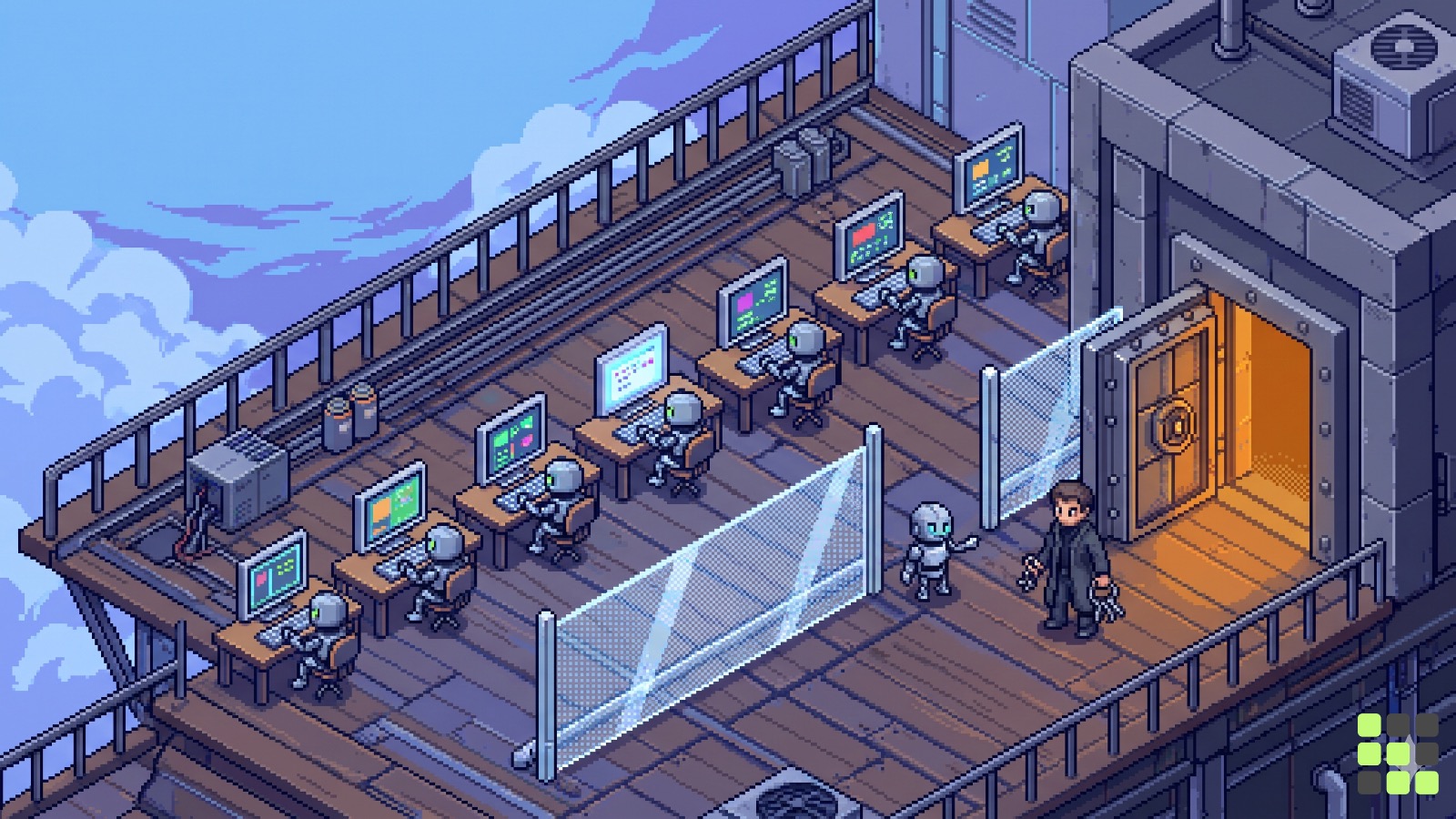
Two months later, that sentence has become a product spec. Grok Bot launched in beta on August 11th, Meta announced Muse on September 8th, and OpenAI unveiled dots at DevDay on September 29th. All three products open their pitch with the same line. The agent gets its own computer and its own browser, and keeps working on that machine even after you close the app. On October 22nd, Google Cloud published an 18-minute deep-dive on the internal infrastructure behind this—the Agent Compute Engine. Cloudflare, meanwhile, runs an open-source repository with the tagline “give your agents a computer.”
I think this is becoming the standard. Everyone calls it something different—Secure VM, cloud computer, microVM—but the underlying skeleton is identical: hand the agent a computer, let it work there. And that shifts the question one step over. To log into the websites people already use, the browser inside that computer still needs credentials—passwords, various forms of authentication, and especially passkeys. So where do those live?
Different names, one skeleton
Let me put what these five companies have shipped side by side in one table. I’m only including what I could confirm from official announcements and documentation.
| Product | Launch | Compute unit granted | How login & payment are handled |
|---|---|---|---|
| Grok Bot | Beta, 2026.8.11 | 1 per user account, shared across all Bots on that account | Human takes over the screen to handle passwords, passkeys, 2FA, and payments directly |
| Meta Muse | 2026.9.8, US | Dedicated VM per person (Muse Secure VM) | Credentials live in secure storage inside the VM; the agent uses them without ever seeing them |
| OpenAI Dot | 2026.9.29 | Cloud computer and browser per Dot | Password-manager integration is managed as a separate permission; the user’s existing logins are never carried over |
| Google Agent Compute Engine | Design published 2026.10.22, preview targeted within months | Hardware-isolated microVM1 per agent session | Credentials aren’t kept inside the sandbox2; they’re swapped in at an external gateway |
| Cloudflare Computer | Open source (MIT) | Filesystem kept as state, execution environment attached as needed | Not confirmed from the README |
Looking at the table, even the phrase “one per” hides some differences. Grok Bot doesn’t give each Bot its own computer. It gives the account a single computer and hands each Bot a separate screen on it. xAI’s documentation notes that this screen is just a workspace, not a security boundary. That means browser cookies, login sessions, files, and command-line credentials are all shared across every Bot on the account. This computer runs on Cursor’s cloud.
Cloudflare’s setup isn’t a VM at all. It keeps the filesystem as SQLite inside a storage unit called a Durable Object, and execution is attached separately, either as a Linux container or a lighter isolation environment. You can even use just the filesystem with no execution environment attached. Cloudflare states that the storage package as a whole is production-ready, but the container backend is still experimental.
This difference actually reveals the common ground. What an agent needs from “a computer” ultimately comes down to two things: durable task state, and somewhere to execute against that state. Google and Meta bundle both into a single VM; Cloudflare simply keeps the two apart.
Why One Computer, of All Things
Google’s explanation is the most detailed. The Gemini team’s goal was to give every user a personal agent running in the cloud—one that remembers what the user is working on and keeps working even while the user is away. To do that, each agent needed a computer of its own: a filesystem, a language runtime, a browser, and a network connection.
Google breaks the agent down into two parts. The harness3—which calls the model and decides the next action—is the brain. The sandbox, which actually runs the code, commands, and browser the model orders up, is the hands. Giving an agent hands means giving it a computer, and neither of the existing options fit the bill. A standard VM takes anywhere from seconds to minutes to boot, pause, and resume. Containers are fast, but they share the host’s kernel, making them too weak to isolate a coding agent that needs root-level access.
Google added one more observation from its own measurements: agents spend most of their time waiting. Waiting for the model’s next response, waiting for the user to reply. So they designed the system to save state the moment a tool finishes running and the agent shifts into “thinking” mode, scale resource use down to almost nothing during that wait, and instantly wake the computer back up the moment the next tool call comes in.
The example about persistence really drives the point home. Say you hand an agent a spreadsheet analysis on Monday. It installs two Python libraries, writes a script, and saves a chart. If you ask a follow-up question on Tuesday and the agent has to reinstall the libraries and rewrite the script from scratch, you’re stuck waiting—and the answer might even come out different. That’s why the agent needed a disk that sticks around.
This means an agent’s memory isn’t just its conversation history. It also holds the tools it installed, the files it saved, and even the login sessions it left open. Grok Bot’s documentation makes a similar point: because the browser session persists, the agent doesn’t need to log back in for every new task. The moment you keep a computer alive long enough, the browser inside it stays logged into the user’s accounts.
You Gave It a Computer—So Where Do You Keep the Keys?
The reason browser-based agents are powerful is that they can operate a screen the way a human would, even for services with no API or integration available. But screens built for humans come with gates built for humans: logins, two-factor authentication, CAPTCHAs, payment confirmations. Looking across the five documents, the ways they handle these gates split roughly into three approaches—and some products mix more than one.
Keep the keys out of the computer entirely. Google writes that its design starts from the assumption that an attacker has taken over everything inside the sandbox. The example it gives is specific: an agent managing an inbox reads an email containing a hidden instruction telling it to find an API key on this computer and send it to some address. Most of the time the model ignores it, but occasionally it might comply—this is prompt injection4. So Google never places user credentials, API keys, or OAuth refresh tokens5 in the sandbox’s memory or disk at all. Outbound requests pass through a proxy on the node to a gateway, and only after the gateway verifies user delegation, agent identity, and node identity does it inject the necessary credentials into the request. Grok Bot works similarly: OAuth tokens for connected apps live in Cursor’s backend, not on the computer itself, and the Bot calls tools without ever receiving the token.
Let it use the vault without ever seeing inside. Meta states that credentials are stored inside Muse’s VM—but in a secure store that Muse can write to without reading, and that Muse cannot see passwords a user types directly into the browser either. Inside the same VM sits a separate watchdog agent called Sentinel; unless Sentinel approves, none of Muse’s actions can reach the internet. For payments, Stripe’s Link generates one-time card numbers to mask the real card details, and a 1Password integration is reportedly coming soon. OpenAI, meanwhile, lets enterprise admins toggle Dot’s password-manager usage independently of cloud-browser permissions in admin settings.
Hand control to a human only at the critical moment. Grok Bot hands the screen over to a human whenever a password, passkey, two-factor prompt, CAPTCHA, or payment confirmation appears. Once the person clears that step and hands it back, the Bot resumes work. The documentation states that the Bot never types in credentials and never sees the password.
All three approaches share the same goal: keep the model from ever seeing the secret directly. Where they diverge is what happens to the session once you’re logged in. OpenAI’s help documentation notes that because Dot’s cloud computer doesn’t inherit your VPN, browser logins, or device policies, you may need to log in again on the cloud computer depending on the website. Once you log in there, that session doesn’t live on your laptop—it lives on a computer in the company’s cloud. Grok Bot’s documentation states that this session is open to every Bot on the account, and that deleting a Bot does not erase the files or browser sessions on the shared computer. In effect, you end up with a second computer, logged into your accounts, sitting in someone else’s data center.
Why Passkeys Are Especially Tricky
You can lock a password away in a safe. A passkey is different. A passkey6 is a cryptographic credential stored on your device or security key, unlocked by face recognition, a fingerprint, a device PIN, or a touch on the security key. It was designed to prove that this specific person and this specific device are present, right here, right now. But an agent’s cloud computer isn’t my device — and I’m not sitting in front of it.
So right now, there are two diverging approaches to using passkeys on agent computers. One hands the moment of authentication back to the user’s own device. Grok Bot lets a browser running on its cloud computer use a hardware security key plugged into the user’s desktop. It’s on by default on macOS and Windows, not yet supported on Linux, and requires the user’s approval every single time. This preserves what a passkey is actually meant to do, but it also shrinks how much an agent can finish on its own while the user is asleep at 3 a.m.
The other approach is to build an entirely new standard. On April 28, 2026, the FIDO Alliance formed a working group dedicated to agent authentication technology. It’s built around three pillars — verifiable user intent, agent authentication, and trusted delegation for commerce — and Google contributed its Agent Payments Protocol (AP2). OpenAI also joined the FIDO board that same year. The broad direction is to use passkeys to confirm a human is present, then hand the agent a provably scoped set of permissions defined by that person. But this is still a work-in-progress spec — not something today’s products can actually lean on yet.
Oswarld’s Lens
I think giving each agent its own computer is becoming the standard approach. Meta, OpenAI, and Grok Bot have all shipped products built this way within the span of two months, and Google and Cloudflare are now opening up the underlying infrastructure for other companies to use. So the real question now is what happens inside that computer — how browser use, authentication, and passkeys get stored and handled.
The computers themselves are converging fast. Whether isolation happens at the hardware level or the account level, they’re nearly identical in one key respect: the user can always open the screen, watch, and step in at any moment. Where the lasting difference will lie is in who holds your logged-in state, where, and for how long. If two agents do the same job equally well, the user will ultimately be choosing which company’s computer gets to keep their bank and email login sessions.
In Korean services, this problem is likely to surface earlier and more often. Because so many procedures — phone-based identity verification, simple-authentication apps, digital certificates — require routing through the phone and apps physically in the user’s hand, an agent working on a cloud computer will hit the point where it has to hand control back to a human far more frequently. For a Korean company evaluating agent adoption, starting by mapping out what logins and authentication a given task touches — rather than simply deciding what task to hand off — will give a far more accurate picture of the actual scope involved.
Closing
A single computer is becoming the default answer. Where to keep the keys still differs from company to company, and the standard is still being written. Next time a new agent product launches, it might be worth reading the paragraph on login and payments before you get to the CPU or memory specs. That paragraph tells you which approach the company chose.
💬 How far would you trust an agent with your logins, Reader? If you draw the line somewhere — email, fine; banking, no — tell us in the comments.
📨 If a colleague handles agent adoption or account security at your company, share this piece with them.
Already a subscriber? Sign in to join the conversation


References & Further Reading
Primary sources
- Google Cloud Blog, 「Inside Agent Compute Engine: Building the compute foundation for the agentic era」, Oct 22, 2026. ··· This piece forms the backbone of this issue — the split between harness and sandbox, credential-free sandboxes, and how idle agents get put to sleep.
- Cloudflare, cloudflare/computer GitHub repo README. ··· You can see the structure that treats the filesystem as state while swapping out execution environments, along with stability labels for each component.
- Meta Newsroom, 「Introducing Muse: The World’s First Personal AI Agent Built for Everyone」, Sep 8, 2026. ··· Covers Muse Secure VM, Sentinel, how credentials are stored, and Link-based payments.
- xAI Docs, 「Use the computer and apps」 and 「Approvals, security, and privacy」. ··· The most candid documentation on shared per-account computers, screen handoff, and the conditions for using a hardware security key.
- OpenAI Help Center, 「Manage dots in ChatGPT workspaces」. ··· Explains that cloud computers don’t inherit existing logins or device policies, plus password manager permissions.
Background
- SiliconANGLE, 「OpenAI launches Dots, always-on AI agents in ChatGPT with their own cloud computers」, Sep 29, 2026. ··· A rundown of the Dots announcement and its rollout scope.
- OpenAI Help Center, 「Passkeys to secure your OpenAI account」. ··· A basic explainer on how passkeys are stored on-device and protected by biometrics or a PIN.
- FIDO Alliance, 「Standards for Trusted Agentic Interactions」. ··· Introduces what the agent-authentication and payments working groups are building.
Past issues worth reading alongside this one
- Agents think in GPUs, work in CPUs ··· An earlier piece that approached the idea that every agent needs its own computer — this time from the chip market’s side.

📝 Glossary
Footnotes
-
microVM: A stripped-down virtual machine that keeps only the essentials so it boots almost instantly. It aims for container-like speed while still isolating workloads from each other at the hardware level, like a full VM. ↩
-
Sandbox: An isolated environment that runs a program separately from the outside system. It’s meant to keep whatever happens inside from spilling out. ↩
-
Harness: The outer control code that calls the model, reads its output, and decides what tool to use next. Google compares it to the agent’s brain, with the actual execution environment as its hands. ↩
-
Prompt Injection: An attack that hides instructions meant for an AI inside a webpage or email, so that when the AI reads it, it follows those hidden instructions instead of the original user’s. ↩
-
OAuth Refresh Token: In the OAuth scheme used to grant an app access without sharing a password, this is the long-lived token that lets a short-lived access token keep getting renewed. If it leaks, someone can access the account for a long time without ever needing the password. ↩
-
Passkey: A login method that uses a cryptographic key stored on a device instead of a password. The key either never leaves the device or syncs only within the user’s own account, and each use requires identity verification like biometrics or a PIN. ↩
Related issues
The Memex: A 1945 Machine Built for Trails, Not Storage
Vannevar Bush's memex wasn't meant to hoard books—it was meant to preserve the paths your thinking takes.
BusinessSame PVC Resin, Five Different Anti-Dumping Rates
Each line of the tariff schedule reflects its own company ledger.
BusinessCrypto's 2026 Shutdown Wave: 81 Projects Gone Quiet
Prices held up, but trading vanished—stacking 81 shutdown notices reveals what actually died and what survived.
Business
Your take shapes the next issue
What resonated most in this issue, or where has your experience been different?